
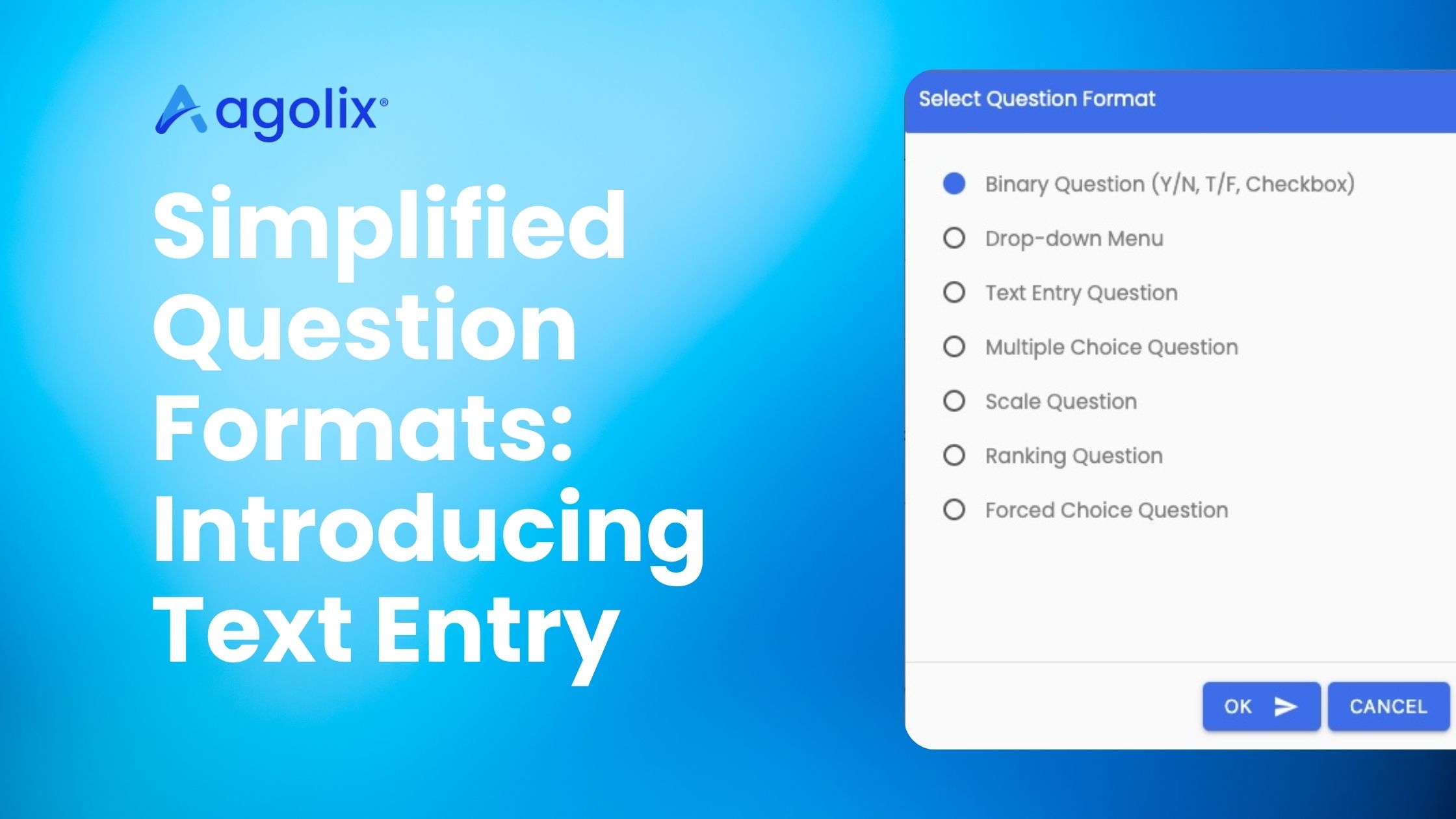

Agolix® has streamlined its question format options to make building assessments faster and more intuitive. By consolidating several overlapping formats into fewer, more flexible ones, we’ve made it easier to choose the right question type.
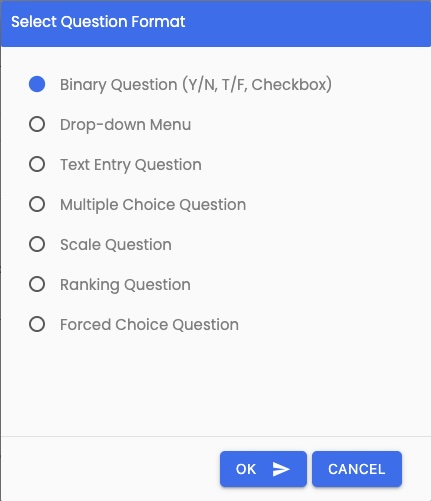
Two key changes are part of this update. First, the Checkbox format has been consolidated into the Binary question format. The Binary format now supports both two-choice questions—like Yes/No and True/False—and checkbox-style display, so a single format covers everything you previously needed two formats to handle.
Second, the Narrative, Numeric Entry, and Validated Text Entry formats have been combined into a single Text Entry format. This one flexible question type now handles open-ended responses, numbers, and validated data such as email addresses, dates, and URLs. Instead of deciding between three similar formats up front, you can use Text Entry for all of it and configure the details to fit your needs.
If you have existing assessments, there’s nothing you need to do. Your assessments are not affected by this change and will continue to work exactly as before.
This update is especially helpful for anyone building new assessments who wants a simpler, clearer set of question formats — fewer choices to weigh, with the same range of functionality behind them.
How to Use the New Question Formats
The simplified question formats, including the new Text Entry option, are available now inside the Agolix® platform. To try them, log into your Agolix account and start building or editing an assessment, or begin with a free trial at https://www.agolix.com/free-trial/.
Learn more about question formats.